Demystifying EXIF Data: History, Extraction, Privacy, and Online EXIF Editors
Every time you snap a photograph with a smartphone, drone, or professional DSLR camera, your device does more than capture light—it attaches a invisible label directly inside the image file. This hidden metadata, known as EXIF data, records detailed information about how, when, and where the photo was taken.
Understanding EXIF data is essential for photographers, digital forensics specialists, web developers, and privacy-conscious users. This guide breaks down what EXIF data is, its history and use cases, supported file formats, the specific information embedded in your files, and how you can view or modify EXIF metadata using the mitos.dev EXIF Editor.
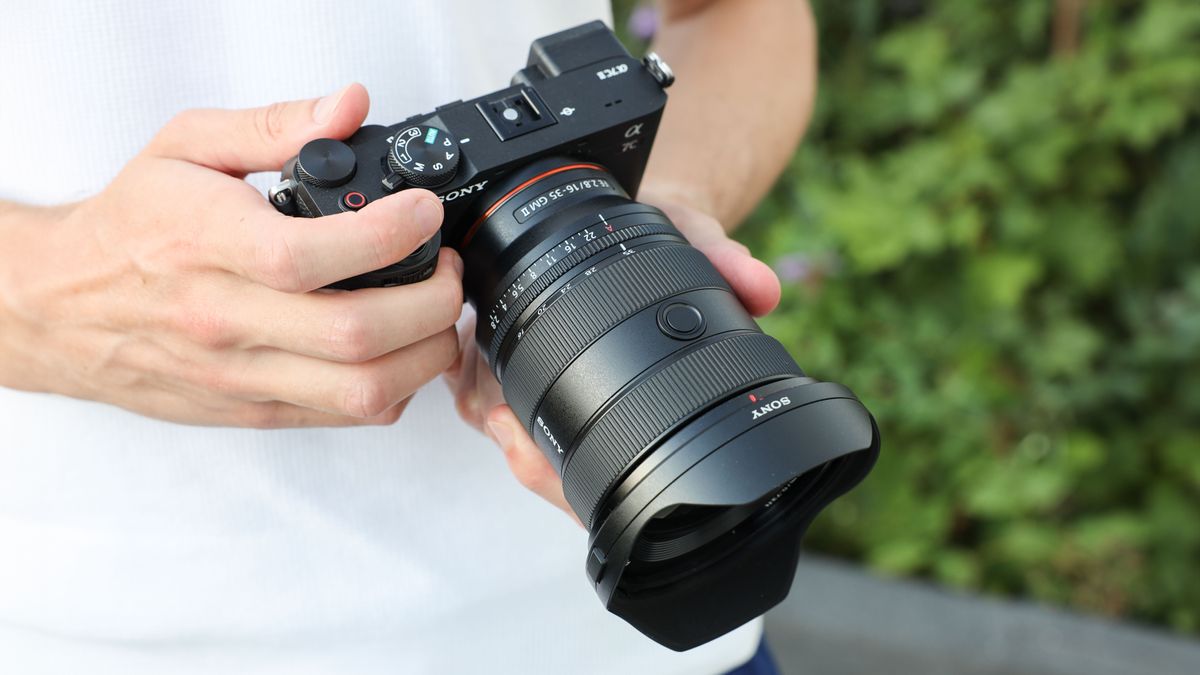
1. What is EXIF Data?
EXIF stands for Exchangeable Image File Format. It is a standard specification for formats used by digital cameras, smartphones, and audio recording systems to embed metadata tags within media files.
Think of EXIF data as a digital nutrition label or flight data recorder for photographs:
- Instead of showing calories or ingredients, it records exposure settings, timestamps, camera hardware specs, and location coordinates.
- It stays attached to the file header as it moves across storage drives, cloud backups, or email attachments unless explicitly stripped or modified.
2. History and Primary Purpose of EXIF
A Brief History
Before the mid-1990s, digital imaging lacked universal standards for storing camera metadata alongside image pixels. Photographers had to manually record camera settings (shutter speed, ISO, aperture) in physical notebooks.
- 1995: The Japan Electronic Industry Development Association (JEIDA) created the initial EXIF standard (Version 1.0) to unify metadata structures across Japanese camera manufacturers like Canon, Nikon, and Fujifilm.
- 1998: EXIF Version 2.0 was released, adding support for sRGB color spaces.
- 2002–2010: The Camera & Imaging Products Association (CIPA) took over standard maintenance, releasing EXIF 2.2 and 2.3, which integrated modern additions like GPS tags, timezone offsets, and 3D image metadata.
Primary Use Cases
- Photographic Workflow & Learning: Professional photographers analyze EXIF tags to review aperture ($f$-number), shutter speed, and ISO choices to refine their shooting techniques.
- Cataloging and Searching: DAM (Digital Asset Management) applications like Adobe Lightroom or Apple Photos use EXIF timestamps and locations to organize millions of photos chronologically and geographically.
- Digital Forensics & Law Enforcement: Investigators inspect camera serial numbers, original creation dates, and GPS tags embedded in images to verify source authenticity or establish alibis.
- Copyright Protection: Creators embed ownership details, creator names, and licensing terms directly into photo file headers.
3. Where is EXIF Data Commonly Found?
EXIF metadata is generated automatically by almost any device equipped with a digital camera sensor or image-processing pipeline:
- Smartphones & Tablets: iPhones, Android phones, and iPads attach camera parameters and real-time GPS coordinates via onboard Location Services.
- DSLR & Mirrorless Cameras: Professional bodies record lens focal length, flash firing status, metering mode, and body serial numbers.
- Drones & Action Cameras: Devices from DJI or GoPro record flight altitude, compass direction, speed, and GPS coordinates alongside video stills.
- Scanners & Medical Imaging Devices: Scanners record DPI resolution settings, scanner model details, and digitization timestamps.
Note: Most social media platforms (such as WhatsApp, Instagram, and X/Twitter) strip EXIF metadata automatically upon upload to reduce file size and protect user privacy.
4. Supported File Formats
While EXIF is widely supported, not all media file types handle EXIF tags identically.
| File Format | EXIF Support Level | Notes |
|---|---|---|
| JPEG / JPG | Full / Native | The most common container for EXIF data via APP1 marker segments. |
| TIFF | Full / Native | Uncompressed raster format; EXIF architecture is heavily derived from TIFF headers. |
| HEIC / HEIF | Full / Native | Standard image format used by modern iPhones and Android devices. |
| WebP | Full (Modern) | Modern web format supporting EXIF metadata in its bitstream container. |
| RAW Formats | Full / Extended | Proprietary vendor formats (e.g., Canon .CR2/.CR3, Nikon .NEF, Sony .ARW, Adobe .DNG) store extensive EXIF data. |
| PNG | Partial / Recent | Originally relied on XMP/iTXt chunks. Standardized native eXIf chunk support was introduced in 2017. |
| GIF / BMP | No Native Support | Legacy formats that do not support standard EXIF metadata structure. |
5. What Data Can Be Extracted from EXIF?
A single photo can contain dozens of distinct metadata fields. Here is a breakdown of the primary data categories you can extract from an image:
+-----------------------------------------------------------------------------------+
| EXTRACTABLE EXIF METADATA CATEGORIES                                              |
+--------------------------+--------------------------+-----------------------------+
| 📷 Camera & Hardware     | ⚙️ Exposure Settings     | 📍 Location & Time          |
| - Make & Model           | - Aperture (f-stop)      | - Latitude & Longitude      |
| - Lens Serial / Specs    | - Shutter Speed          | - Altitude & Heading        |
| - Camera Serial Number   | - ISO Sensitivity        | - Original Timestamp        |
| - Firmware Version       | - Focal Length           | - Timezone Offset           |
+--------------------------+--------------------------+-----------------------------+
1. Camera & Lens Hardware Specs
- Device Manufacturer: (e.g., Apple, Sony, Canon)
- Model Name: (e.g., iPhone 15 Pro, ILCE-7M4)
- Lens Details: (e.g., FE 24-70mm F2.8 GM II)
- Hardware Serial Numbers: Camera body and lens serial identifiers.
2. Exposure & Technical Shot Parameters
- Aperture Value: Indicates the lens opening size (e.g., $f/1.8$, $f/8$).
- Shutter Speed / Exposure Time: (e.g., $1/1000\text{s}$, $2.5\text{s}$).
- ISO Speed: Light sensitivity setting (e.g., ISO 100, ISO 6400).
- Focal Length: 35mm equivalent focal distance (e.g., $24\text{mm}$).
- Flash Status: Records whether the flash fired and its energy level.
- Metering & White Balance Modes: Auto, Manual, Daylight, Tungsten settings.
3. Date, Time & Location Data
- Creation Timestamp: Exact second the shutter was triggered (
DateTimeOriginal). - GPS Coordinates: Precise Latitude and Longitude values.
- Altitude: Height above or below sea level.
- GPS Speed & Direction: Drone or vehicle movement vector at time of capture.
4. Copyright & Author Metadata
- Creator / Photographer Name: (e.g.,
Artisttag). - Copyright Statement: Rights reserved notices.
- Software / Editing History: Software used to generate or export the file (e.g., Adobe Photoshop 25.0, Lightroom Classic).
6. Privacy Risks and Managing EXIF Data
While EXIF metadata is invaluable for creators, it presents significant privacy risks when raw photos are posted online directly:
- Location Leaks: Photos taken at your home, workplace, or private locations reveal exact latitude and longitude coordinates to anyone who downloads the original file.
- Stalking and OSINT: Timestamps and device serial numbers allow third parties to correlate photos taken across different platforms back to a single individual.
To protect privacy, you should strip sensitive GPS data or clean metadata entirely before sharing raw image files publicly.
7. View and Edit EXIF Metadata Online with Mitos.dev
Whether you want to inspect exposure settings, update copyright tags, or remove sensitive location details before uploading photos, using an online editor simplifies the process.
Use the interactive online utility:
👉 EXIF Editor Tool on mitos.dev
+-----------------------------------------------------------------------------------+
| MITOS.DEV EXIF EDITOR WORKFLOW                                                    |
|                                                                                   |
| [ Upload Photo ] ---> [ Extract & Inspect Tags ] ---> [ Edit or Strip GPS/Exif ] |
|                                                                                   |
|                       🔒 100% Client-Side (No Uploads)                            |
+-----------------------------------------------------------------------------------+
Key Features:
- 100% Client-Side Privacy: Your image files are processed entirely inside your browser using modern WebAssembly/JavaScript. Photos are never uploaded to any remote server.
- Comprehensive EXIF Extraction: Inspect every hidden metadata tag, from camera lens model to exact exposure numbers.
- GPS Location Removal: Wipe exact latitude and longitude coordinates with one click to protect your personal privacy.
- Edit & Correct Metadata: Modify incorrect date/time fields, insert author copyright info, or adjust camera parameters effortlessly.
EXIF metadata acts as an indispensable digital footprint, capturing technical parameters, timestamps, and locations for every snapshot. While powerful for cataloging and photography analysis, managing this metadata is crucial to maintaining personal location privacy.
Inspect, sanitize, and edit your image metadata securely in your browser using the mitos.dev EXIF Editor!